10 Work From Home Desk Essentials for a More Productive Day
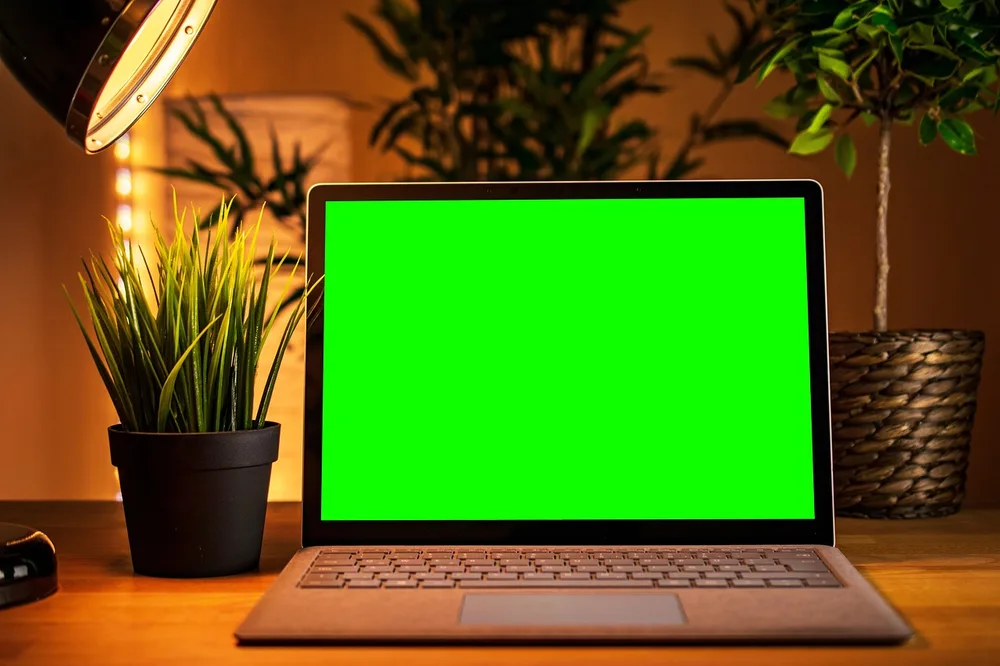
Working from home only works well when the desk works well. A laptop on the kitchen table might be fine for a day, but after weeks of calls, documents and deadlines, the small problems add up: a sore neck, poor audio on calls, cables everywhere and nowhere to put anything.
These work from home desk essentials solve the most common problems without turning your home into a corporate office. Not everyone needs every item, so treat the list as a checklist: start with the things that fix your biggest daily frustrations and add the rest over time.
1. A Proper External Monitor

If you work on a laptop, an external monitor is the single biggest upgrade you can make. A larger screen at eye level means less squinting and less hunching, and the extra space makes it far easier to have a document and a video call open side by side.
A twenty four to twenty seven inch monitor suits most desks and tasks. Keep your laptop open as a second screen for chat or notes. Check which ports your laptop has before buying, since one cable that carries video, data and charging makes the setup much tidier.
2. A Chair You Can Adjust
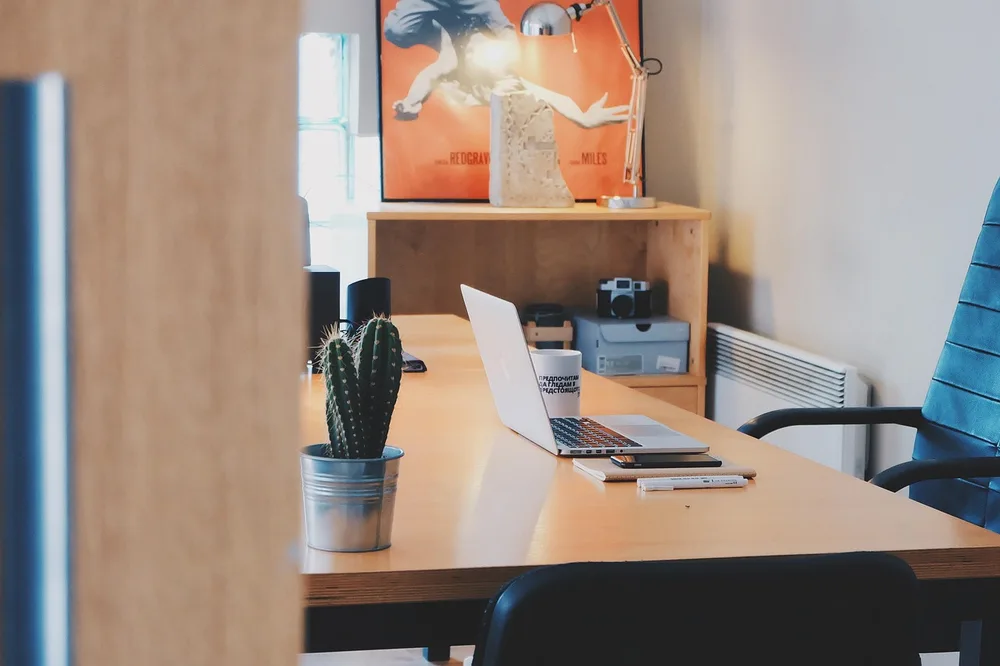
You will spend thousands of hours in your desk chair, so it deserves more attention than almost any other purchase. An adjustable task chair with seat height, lumbar support and armrests that move lets you fit the chair to your body instead of the other way around.
Try to sit in a chair before buying if possible, and check the return policy if you order online. A good used office chair is often better than a new cheap one. Whatever you choose, take the time to actually adjust it rather than leaving it at the factory settings.
3. A Separate Keyboard and Mouse
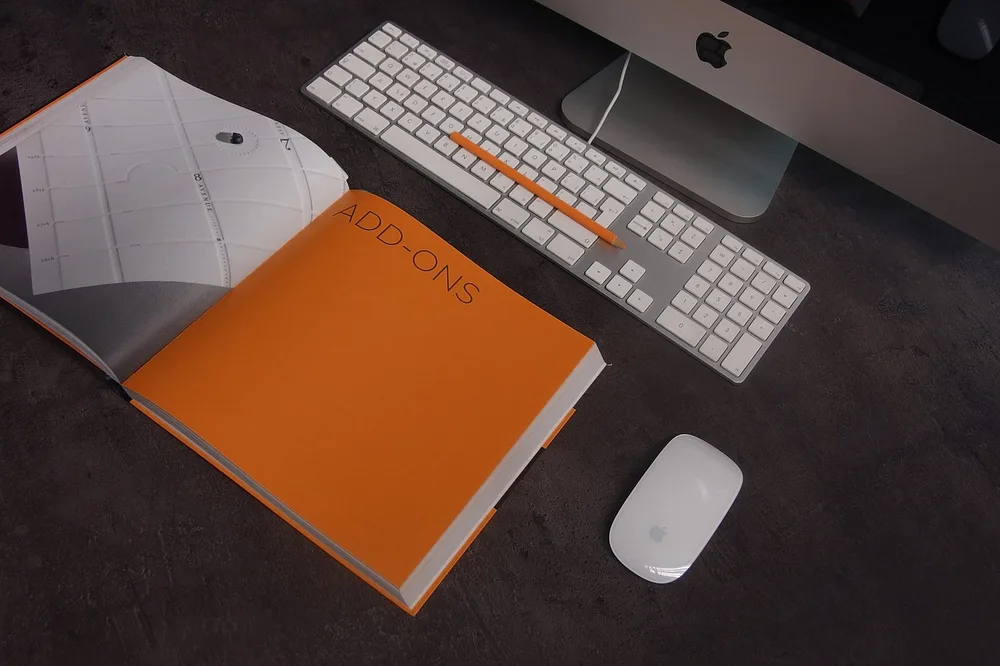
A separate keyboard and mouse let you keep your hands at a comfortable height while the screen stays at eye level. They also make typing more pleasant than a flat laptop keyboard, which matters when you write emails, documents and messages all day long.
Wireless sets keep the desk clean, while wired ones never need charging. Try a compact keyboard if you want the mouse closer to the center. Many people also enjoy a quieter keyboard in a shared home, where loud clicking can easily bother others nearby.
4. A Webcam and Front Light for Calls
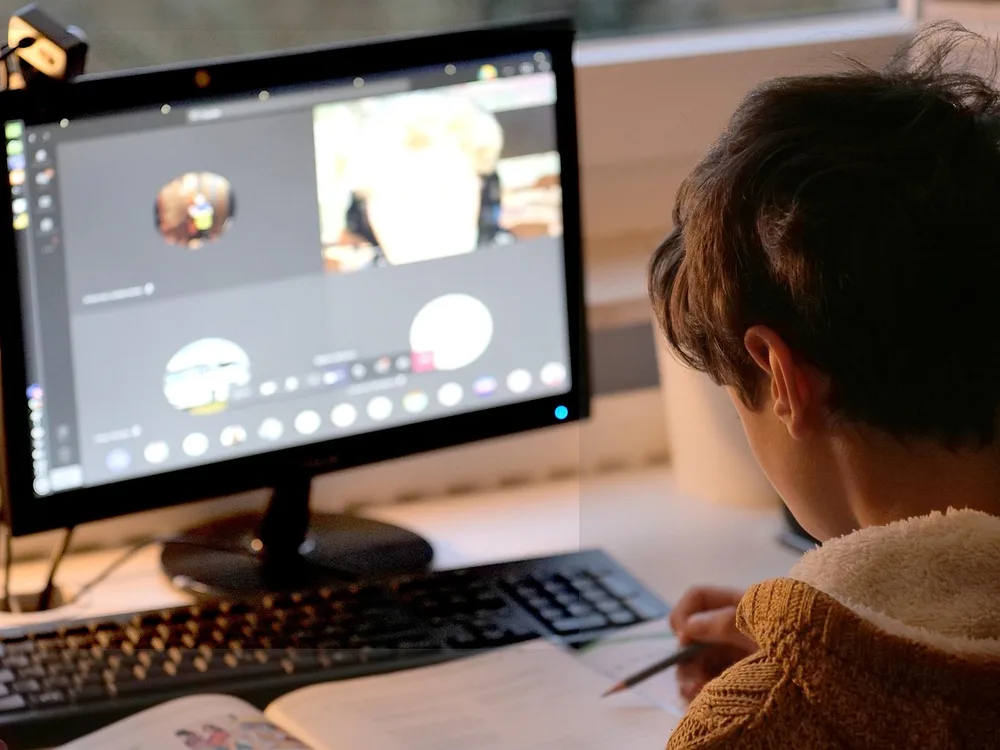
Video calls are a big part of remote work, and the built-in laptop camera often makes you look dim and blurry from an unflattering angle. An external webcam mounted on top of the monitor at eye level instantly makes calls look more professional and natural.
Lighting matters even more than the camera itself. Face a window or place a soft light behind the monitor, pointing toward you, and avoid having a bright window behind your head. A small ring light or a lamp with a diffuser is usually all you need.
5. A Headset With a Good Microphone

Clear audio matters more on calls than video. A headset with a boom microphone or a good pair of headphones with a built-in mic reduces echo and background noise, so colleagues can hear you clearly without asking you to repeat yourself several times.
Closed back or noise cancelling headphones also help you focus when the house is busy. If you are on calls for hours, prioritize comfort: light weight, soft ear cushions and a headband that does not press. A headphone stand keeps them off the desk between calls.
6. A Desk Lamp With Good Light
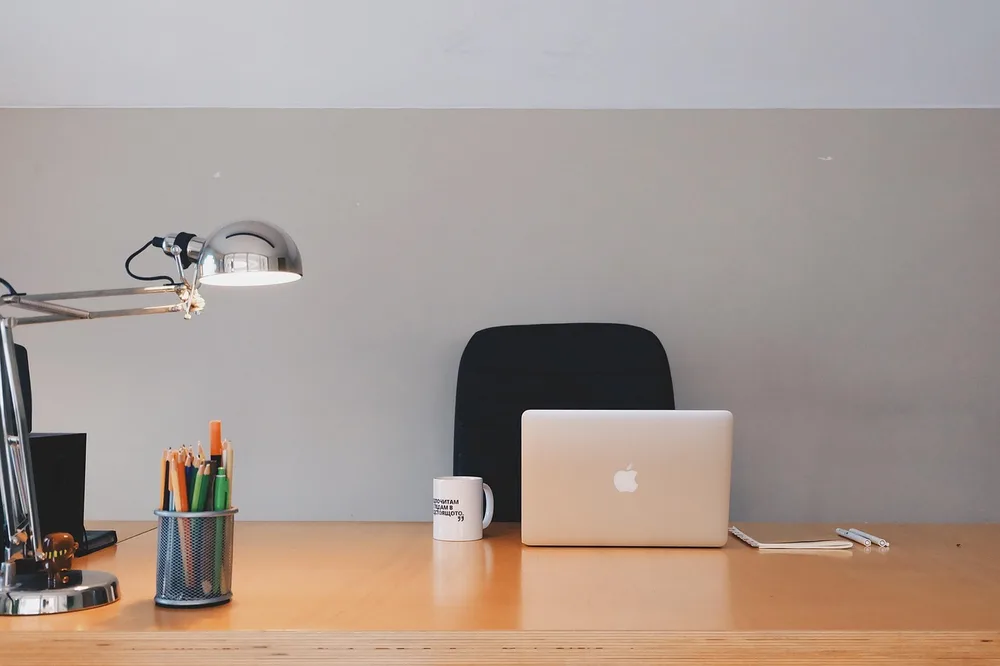
Overhead light alone is rarely enough for a home desk, especially in winter or in the evening. A desk lamp with adjustable brightness lights paperwork and the keyboard, and it reduces the contrast between a bright screen and a dim room, which helps your eyes.
Look for a lamp with an adjustable arm and color temperature, so you can use cooler light for focused work and warmer light later in the day. Place it on the side opposite your writing hand to avoid shadows falling across your notes.
7. Cable Management Basics

A work from home setup quickly gathers cables for the monitor, laptop, lamp, phone and headset. A few cable clips, a tray under the desk and a single power strip make the desk look calmer and make it much easier to clean or rearrange things later.
A USB-C hub or docking station reduces the number of cables you plug into the laptop each morning to just one. Label the plugs on the power strip with small tags. Ten minutes of cable work makes the whole setup feel more professional every day.
8. A Large Desk Mat
A large desk mat under the keyboard and mouse protects the desk, gives the mouse a smooth surface and visually ties the setup together. It also defines your working zone, which makes the desk feel organized even when you have a few papers lying around.
Felt and leather mats look warm and calm, while cloth mats are great for precise mouse use. Pick a color that matches your desk or chair. It is an inexpensive item that makes a surprisingly big difference to how polished the whole setup looks.
9. A Notebook and Simple Planner

Even in a digital job, a paper notebook is one of the most useful things on the desk. Writing down your top three tasks for the day, quick notes during calls and ideas that pop up keeps your screen free for the actual work and helps you focus.
Keep the notebook and a good pen in the same spot every day so the habit sticks. A simple weekly planner page or a small whiteboard helps you see the bigger picture. Clear the page or start a fresh one each morning to keep the list short and realistic.
10. A Water Bottle and a Coaster
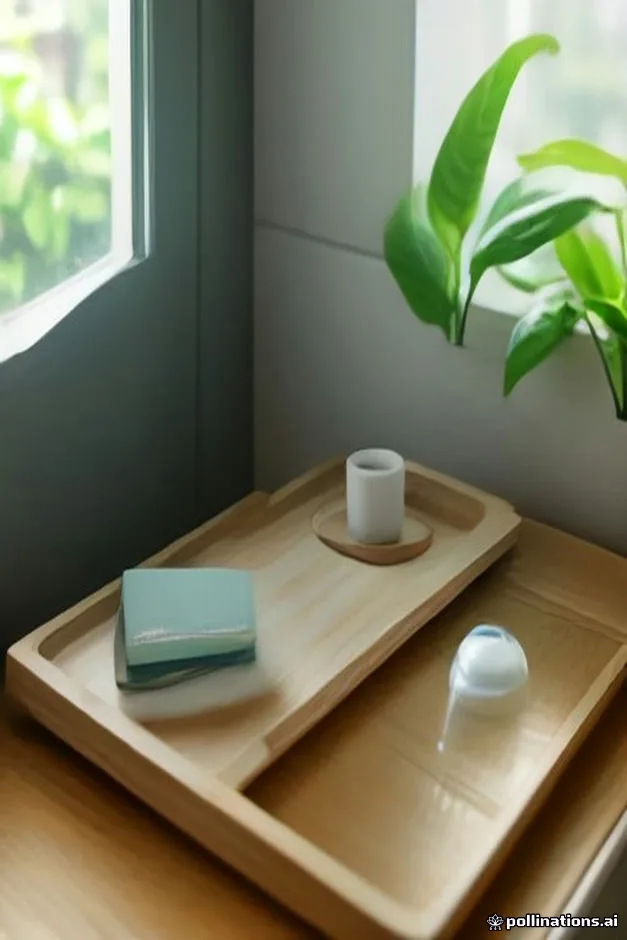
It is easy to forget to drink water when you are busy at home, with no office kitchen or colleagues to remind you to take a break. A large reusable bottle on the desk makes it simple, and refilling it is also a good reason to stand up regularly.
Keep drinks on a coaster on the side of the desk away from the keyboard and laptop, so a spill does not reach your electronics. A small tray for the bottle, a mug and your phone keeps that corner tidy and gives every item on the desk its own place.
Final Thoughts
The best work from home desk essentials fix real daily problems: a monitor and chair for comfort, a headset and webcam for calls, and good light and tidy cables for a calmer desk. Start with the item that would help you most this week and build the rest over time.