10 Standing Desk Setup Ideas for a More Comfortable, Focused Workday

A standing desk only helps if you actually use it, and most people stop because the setup feels awkward: the screen is too low, the floor is hard and the cables snag every time the desk moves.
These ideas fix the small details that make switching between sitting and standing feel natural. Start with the height settings, then work through the comfort and organization tweaks one at a time.
1. Set the Desk Height by Your Elbows
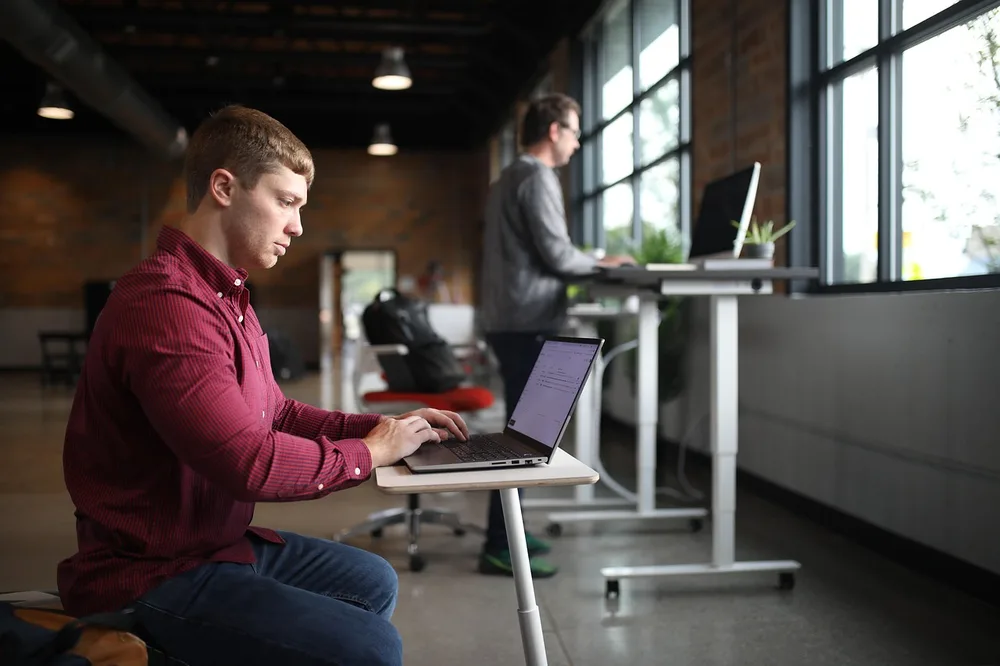
Stand relaxed with your shoulders down and bend your elbows to about ninety degrees. The desk surface should sit just under your forearms, so your wrists stay straight while you type. Most people set it too high, which pushes the shoulders up and tires the neck within an hour.
Do the same check while sitting, with your feet flat on the floor. Write both heights on a sticky note under the desk until they become automatic. Getting these two numbers right matters more than any accessory you add later.
2. Raise the Monitor to Eye Level

The top edge of the screen should line up with your eyes or sit slightly below them, about an arm's length away. When you raise the desk, the monitor goes up with it, but a screen that started too low stays too low in both positions.
A monitor arm or a simple riser fixes this in minutes. If you work on a laptop, put it on a stand and use a separate keyboard and mouse, so you are not hunching over a small screen while you stand.
3. Stand on an Anti-Fatigue Mat
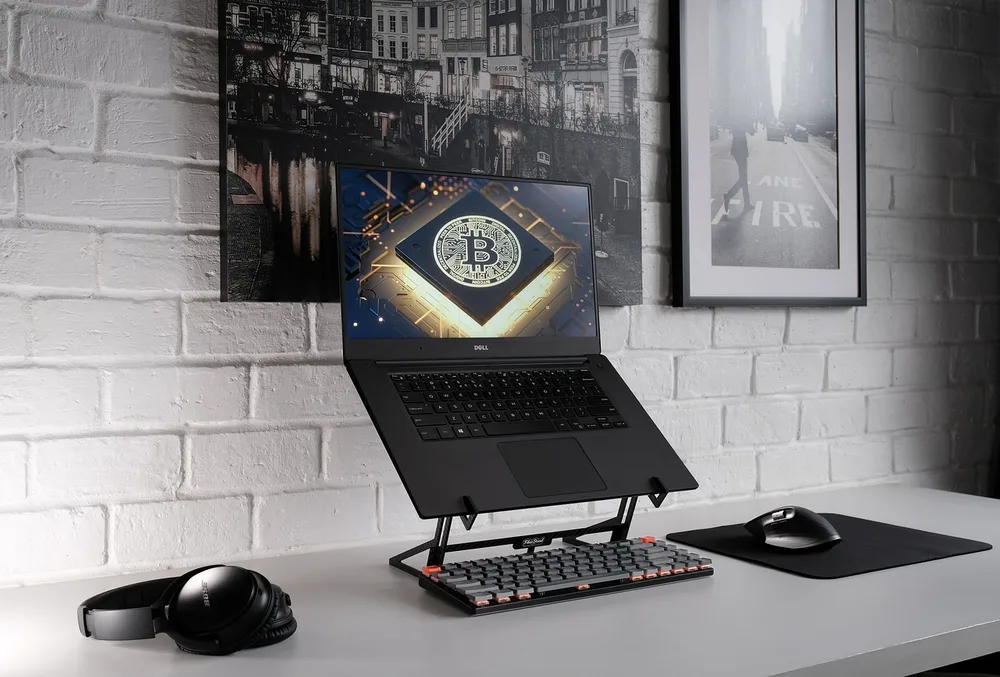
Hard floors are the main reason standing feels tiring after twenty minutes. A cushioned anti-fatigue mat gives your feet and knees a softer surface and encourages tiny movements that keep blood flowing, so you can stand longer without noticing the strain.
Choose a mat with beveled edges so you do not trip when you step on and off, and keep it far enough back that your chair can roll in when you sit. Slide it under the desk when you are not standing.
4. Plan Cables That Move With the Desk
A standing desk travels up and down every day, so cables need slack and a clear path. Mount a cable tray under the desktop to hold the power strip and chargers, so only one cable runs from the desk to the wall outlet.
Run that single cable through a flexible cable spine to the floor. Raise the desk to its highest setting before you trim anything, and check that nothing pulls tight. This one step prevents unplugged monitors and scratched walls.
5. Save Your Sit and Stand Heights

If your desk has memory presets, store your sitting and standing heights the first day. Switching becomes a single button press, and you are far more likely to stand when it takes two seconds instead of holding a button and guessing.
If your desk has no presets, put a small strip of tape on the leg at each height. The goal is to remove every bit of friction from changing positions, because the best standing desk habit is the one that happens without thinking.
6. Keep a Leaning Stool Nearby
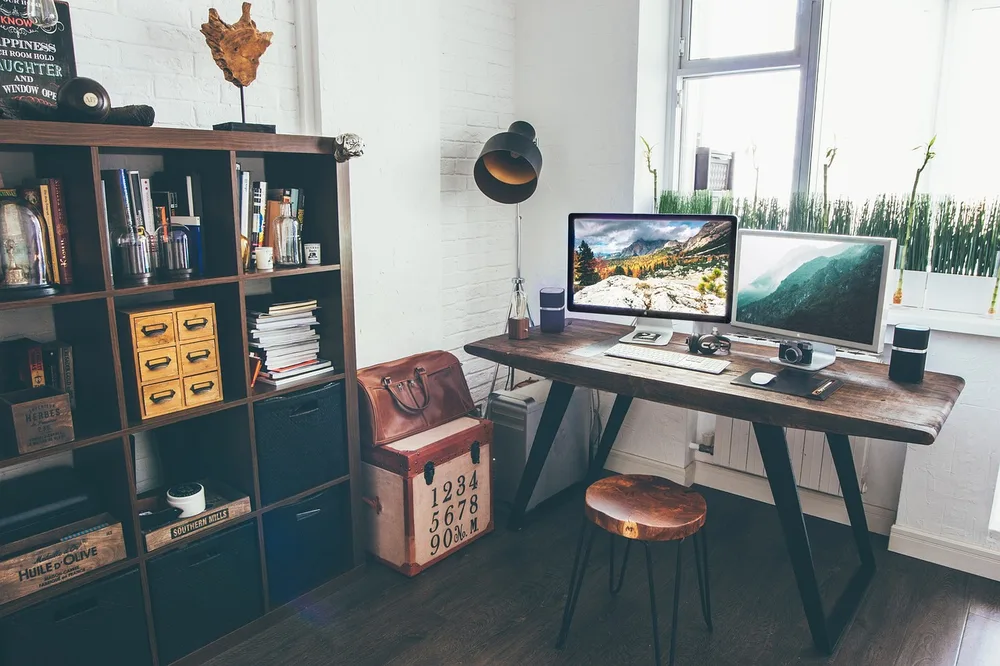
Standing still for hours is not the goal. A leaning stool or perch lets you take weight off your legs while staying at standing height, which is useful during long calls or when you want a break without lowering the desk.
Place it to the side of the workspace so it is easy to pull in and push away. Alternating between standing, leaning and sitting through the day is more comfortable than forcing yourself to stand for long blocks.
7. Put Daily Items Within Arm's Reach
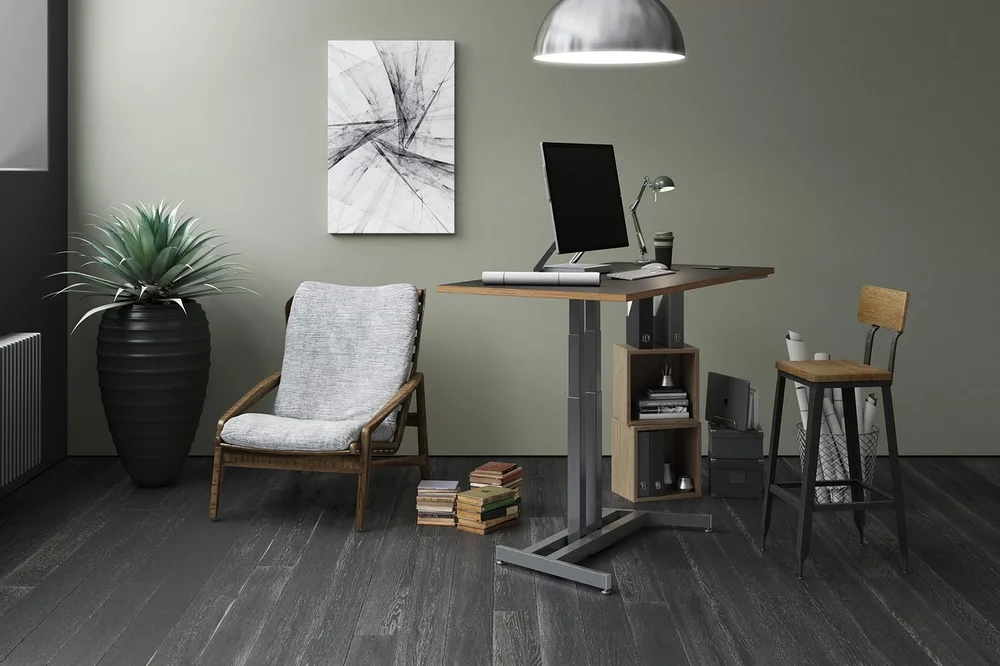
When the desk moves, anything stored on a separate shelf ends up out of reach. Keep the things you use every hour, like a notebook, a pen and your phone, on the desktop itself, inside a small tray so they do not slide around.
Everything else can live in a drawer that clamps under the desk, so it rises and falls with you. A clear surface also makes the height change feel smoother, with nothing tipping over each time the motor runs.
8. Add a Footrest to Shift Your Weight

Resting one foot on a low bar or block takes pressure off the lower back, the same way people naturally lean on a rail. Switching feet every few minutes keeps you moving and makes standing sessions feel far less stiff.
A rocking footrest or a simple wooden block both work. Place it close to the base of the desk so you can reach it without thinking, and push it aside when you sit down so it does not crowd your chair.
9. Light the Desk From the Side
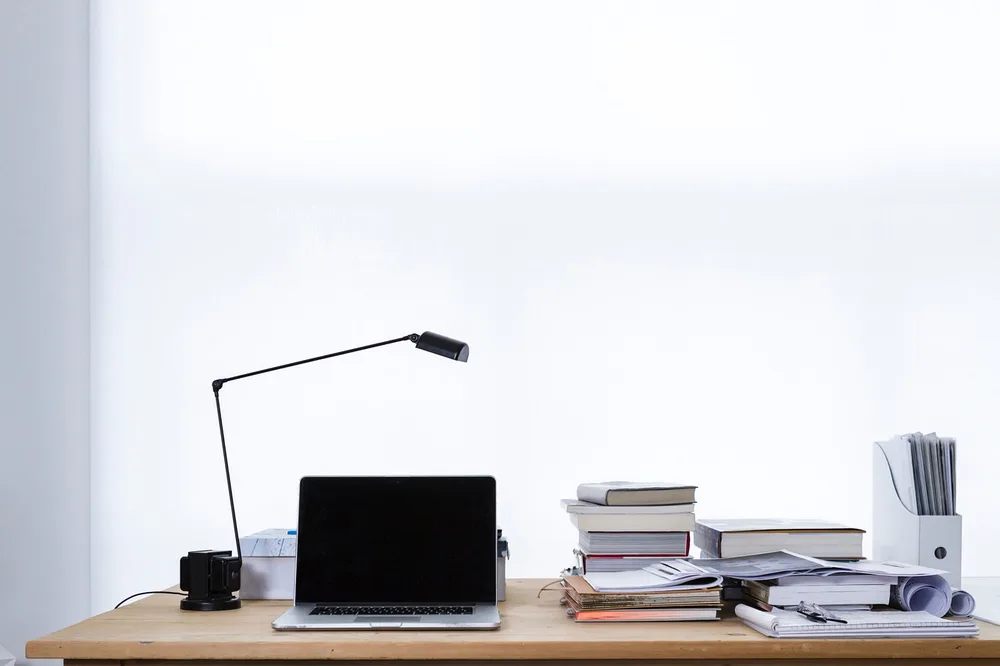
When you stand, your head moves closer to overhead lights and the glare on the screen changes. Position the desk so the window is to your side rather than behind the monitor or behind you, which keeps reflections and harsh contrast low.
Add a desk lamp on a clamp or a tall base so it still lights your keyboard when the desk is raised. A lamp that sits flat on the desktop rises with you, which keeps the light consistent in both positions.
10. Build a Simple Switching Routine
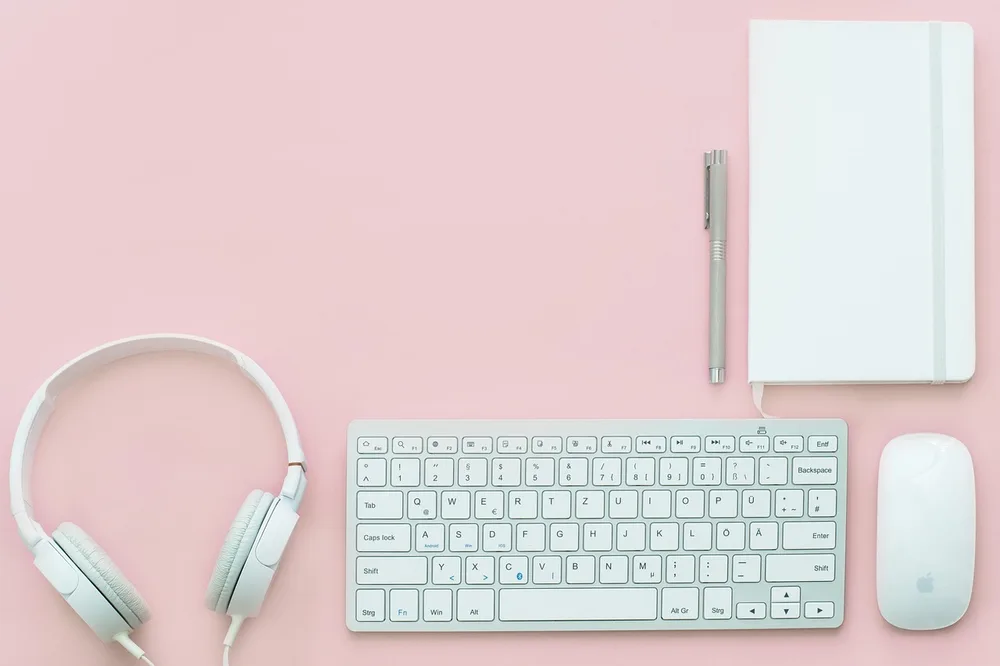
Tie position changes to things you already do. Stand for every video call, sit for deep writing, stand again after lunch. Linking the switch to an existing habit works better than relying on willpower or random timers you will eventually ignore.
If you prefer reminders, set a gentle one on your computer for every forty five to sixty minutes. Keep it quiet and easy to snooze, because the point is to move more through the day, not to feel nagged.
Final Thoughts
A standing desk works best when switching takes no effort: the right heights saved, a soft floor, cables with slack and the essentials within reach. Pick the two ideas that fix your biggest annoyance and set them up this week.