10 Music Production Desk Setup Ideas for a Better Home Studio
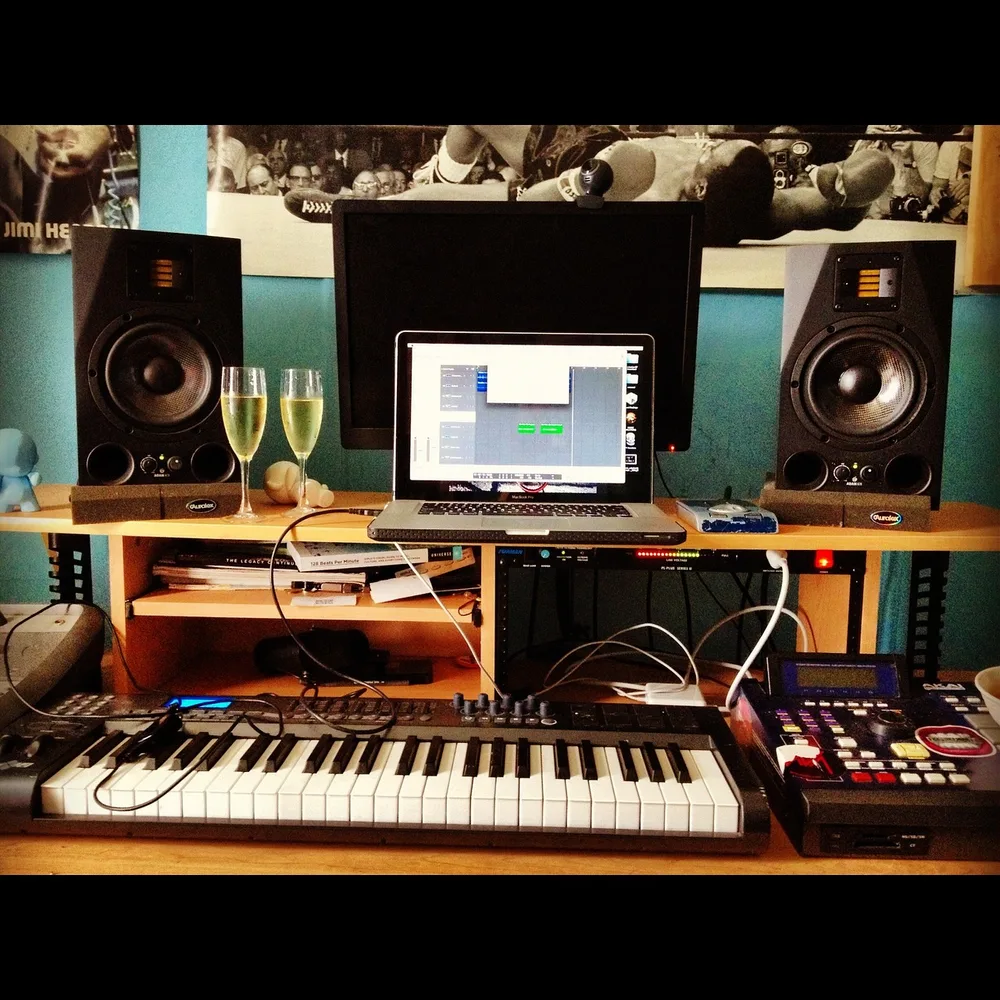
Making music at home usually starts with a laptop and a pair of headphones on whatever table happens to be free. Before long, you add a keyboard, a pair of speakers and an interface, and suddenly there is no room for your hands and the cables are everywhere.
These music production desk setup ideas help you arrange your gear around the way you actually work, so that you can stay in the creative flow. They work for bedroom producers and hobby musicians alike, and most of them depend on placement rather than expensive new equipment.
1. Center Yourself Between Screen and Speakers
A music desk works best when it is built around one central position. Your screen, your main controller and your speakers should all line up with where you sit. That way you hear a balanced stereo image, and you are not twisting your neck to see your session during long projects.
Set the desk up along the shorter wall of the room if you can, and keep it centered between the side walls. Sound reflects differently off nearby surfaces, so sitting closer to one wall can skew what you hear. Getting this right early will make all your mixes easier to trust.
2. Place Studio Monitors at Ear Level
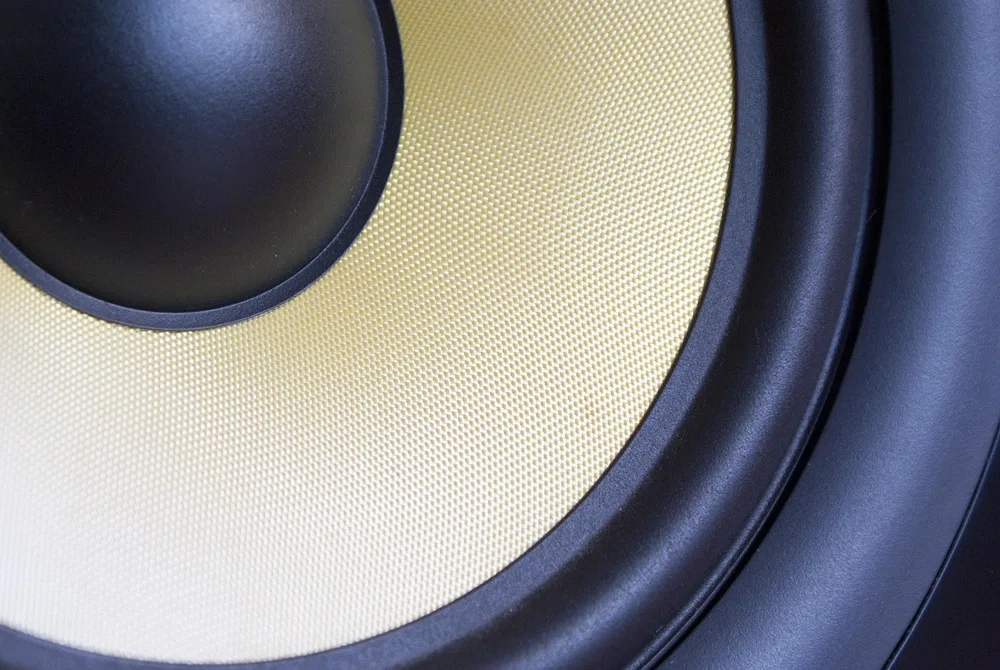
Speakers placed flat on a desk send much of their sound past your ears and into the surface. Raise them on stands or isolation pads so that the tweeters are level with your ears. You will hear the high frequencies more accurately, and the bass will often sound much cleaner too.
Arrange the two speakers and your head in an equal triangle, with each speaker angled toward you. Keep them a little away from the wall behind the desk, as being too close can make the bass boom. It takes only a few minutes to try this, and the result is immediate.
3. Treat the Room Around the Speakers
Even good speakers will sound wrong in a bare room with hard walls. Sound bounces off walls and the desk surface, which makes it difficult to judge how your track really sounds. A few simple changes, such as adding a rug and heavy curtains, can help to absorb these reflections.
If you want to go further, place acoustic panels on the side walls at the height of your ears, and add some behind the speakers. Bookcases filled with books of different sizes can also scatter sound nicely. Start small, then listen to a track you know well to judge each change.
4. Keep the Piano Keyboard in Easy Reach
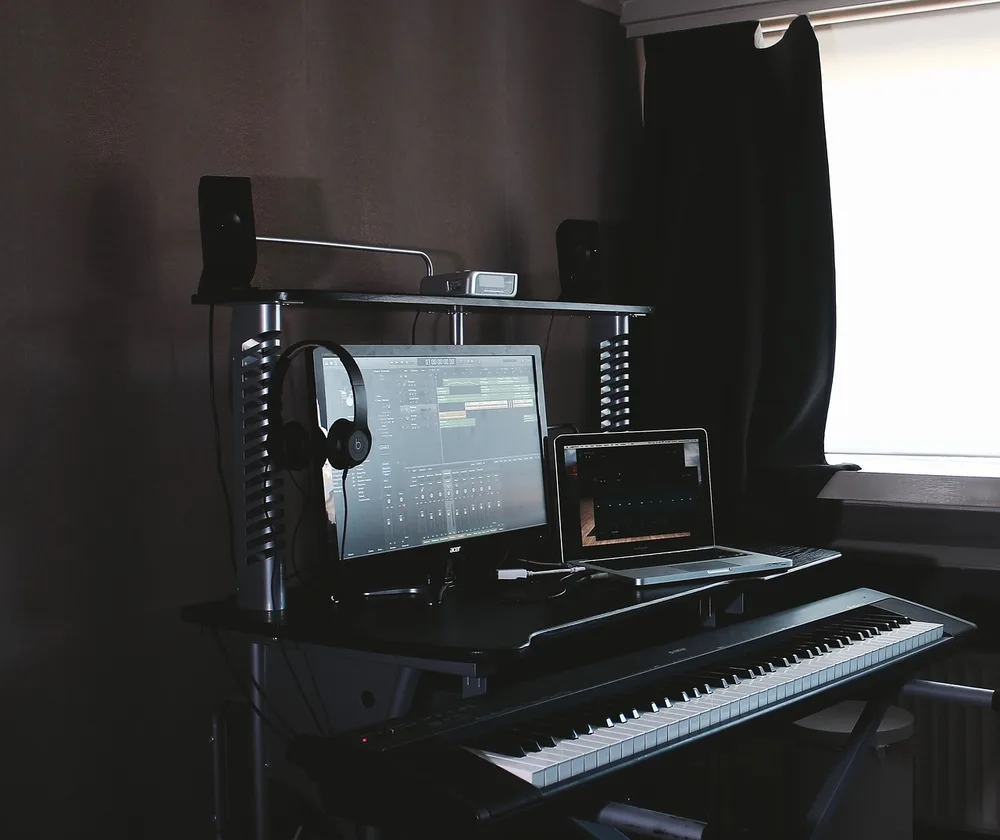
A keyboard controller is where many ideas first take shape, so it should be easy to play at any moment. Putting it directly in front of you, with your computer keyboard on a sliding tray or just above, keeps you ready to record without any awkward reaching or moving around.
If you have a longer keyboard, consider a desk with a shelf built in just for it, or a separate stand at a right angle to your desk. Make sure your forearms stay level as you play. Keep the sustain pedal in a fixed position, where your foot naturally finds it.
5. Put the Audio Interface Within Reach
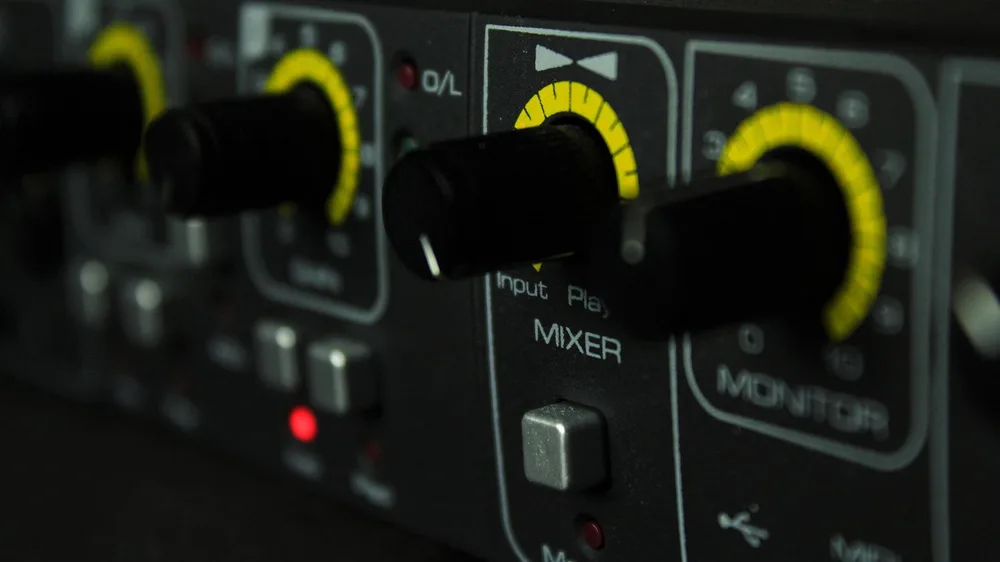
You will use your audio interface often, to adjust the volume of your speakers, set input levels and plug in instruments. It should sit somewhere you can reach it without looking away from your screen, normally on the side of your dominant hand and just behind the main controller.
Keep the cables that connect to it tidy, because that is where the mess tends to build up. Short cables are less likely to tangle and will carry less noise. A desktop stand that angles the interface toward you also makes its small meters and labels a lot easier to read.
6. Mount the Microphone on a Boom Arm
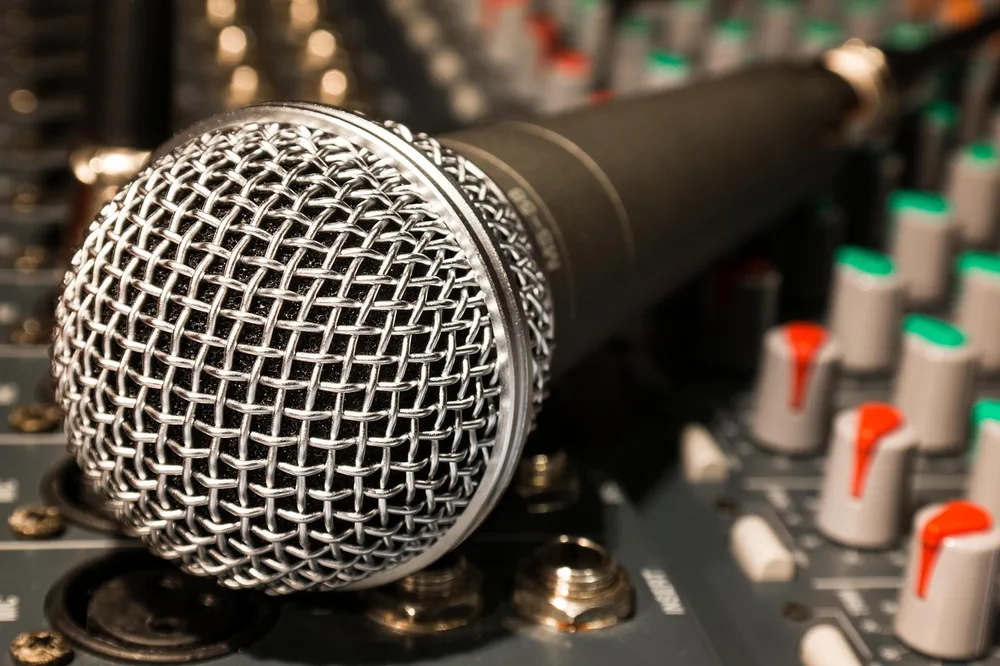
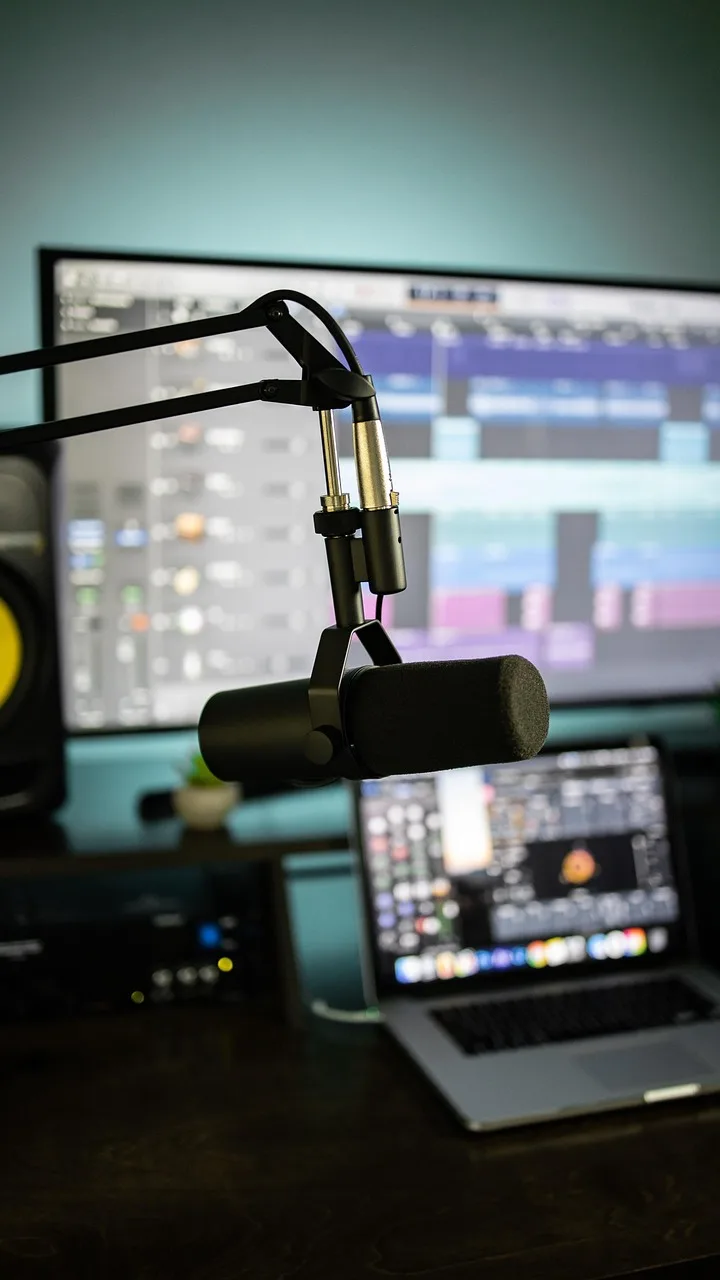
A microphone on a floor stand takes up space and always seems to be in the way. A boom arm clamped to the side of your desk can swing into position for vocals and then move right out of the way when you need to return to playing or mixing.
Add a shock mount to reduce rumble from your desk, and use a pop filter to soften the hard consonants in vocals. Keep your computer's fan noise in mind when you position the microphone. Recording facing the quietest part of the room will help your takes sound cleaner.
7. Keep Good Headphones Close at Hand

Headphones help you catch small details and let you work late without disturbing anyone else in your home. Closed headphones work best for recording, as they stop the backing track from leaking into your microphone. Open ones often sound more natural for mixing, if you have room for both.
Keep them on a hook at the side of your desk so that the cable does not get tangled in your equipment. Take short breaks when working on headphones for long periods, and keep the volume at a moderate level. Your ears will thank you, and your decisions will stay sharper.
8. Use a Small Mixer if You Run Several Sources
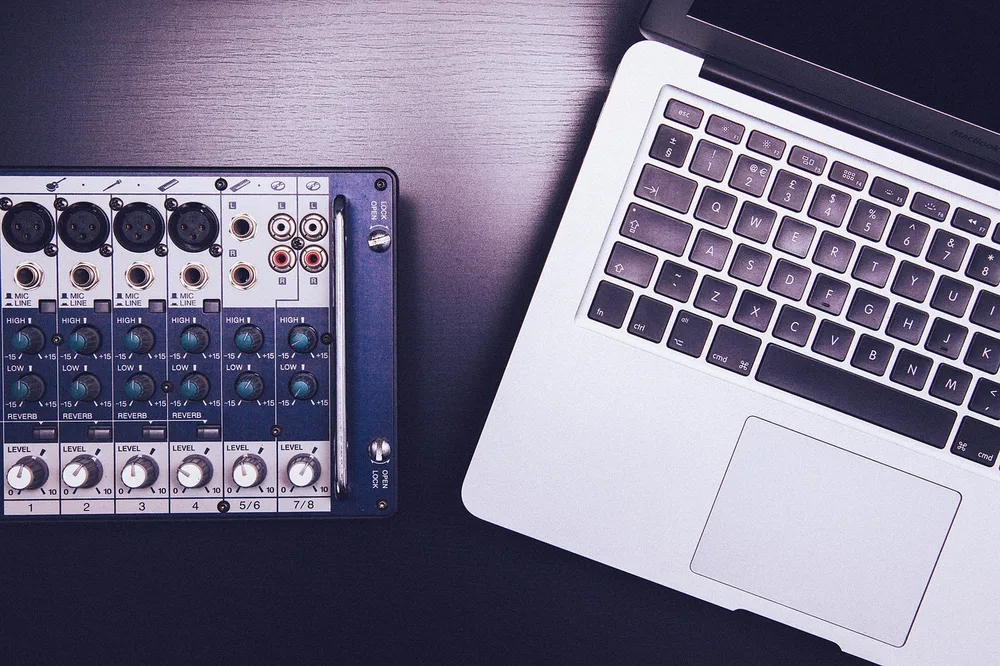
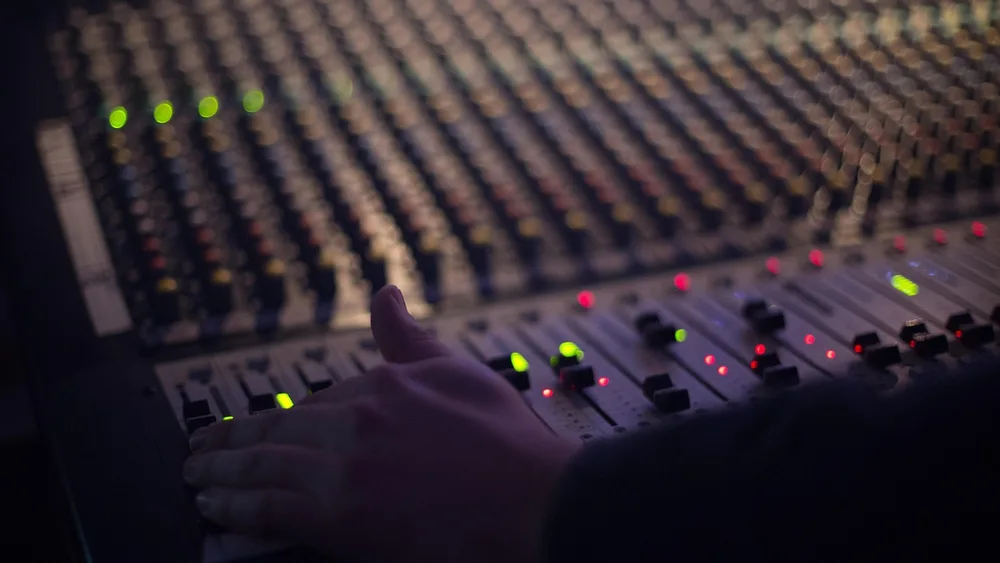
A small mixer becomes useful once you have several sources, such as synths, drum machines or other computers. It lets you bring everything in at once, and adjust the levels with your hands. Place it to one side of your screen, where it is easy to reach but not blocking your view.
Label each channel with a small piece of tape, so that you do not have to trace cables every time. Many producers working only in software do not need a mixer at all, so think about your workflow first. A simple control surface may be a more useful purchase.
9. Keep a Laptop Ready for Portable Sessions
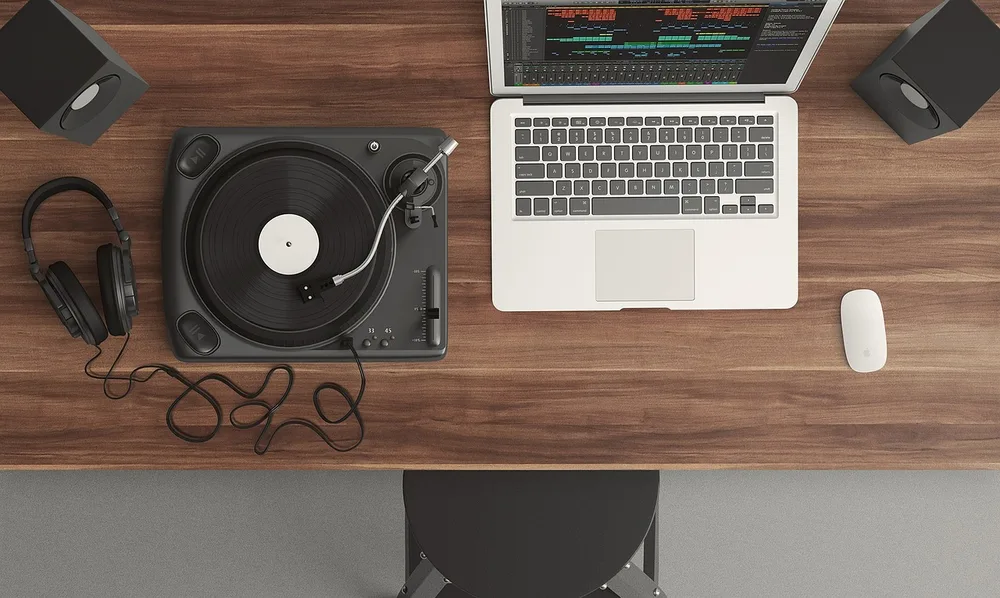
Many producers use a laptop as the center of their setup, because it can easily go with them to sessions and rehearsals. Give it a stand on the desk, with a single dock or hub connecting your interface, controllers and drives. This makes it quick to unplug and take with you.
Keep your samples and projects on a fast external drive, so that you can always get to your work wherever you are. Make a habit of backing up your sessions after each day of work. Losing a song because of a failed drive is an avoidable way to end a project.
10. Keep Your Instruments Ready to Play
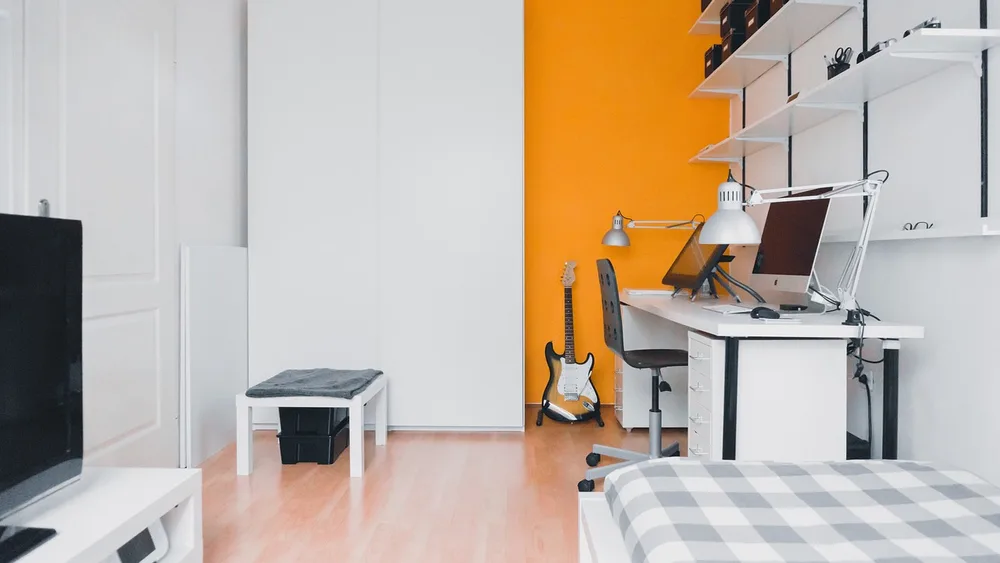
An instrument left in its case is one that rarely gets played. Hang your guitar on the wall or keep it on a stand within reach of your chair, and plug in a cable that is ready to go. When an idea comes, you can record it before it fades away.
Keep the instrument away from radiators and direct sun, because heat and dryness can damage wood. A small tuner and a set of spare strings can live in a nearby drawer. Having instruments in view is also motivating, and it makes the room feel more like a real studio.
Final Thoughts
A music production desk setup should make it easy to catch an idea and finish it. Start with where you sit, place your speakers at ear level and keep your keyboard and interface within reach. Add treatment and extra gear slowly, and let your own workflow decide what is worth buying next.