10 Minimalist Desk Setup Ideas for a Calm, Focused Workday

A minimalist desk is not about owning less for its own sake. It is about making the next task the most obvious thing in front of you, and removing everything that quietly competes for your attention while you work.
These ten ideas start with the surface itself and move outward to light, cables, storage and the small daily habits that keep a clean desk clean. Pick two or three to try this week instead of changing everything at once.
1. Start With a Clear Surface Rule

Decide what is allowed to live on your desk permanently. For most people that is a screen, a keyboard, a mouse, one lamp and one personal object. Everything else gets a home somewhere else and comes out only when you need it.
Write the rule down if it helps. When the surface has a defined limit, you stop negotiating with every new item that lands there, and resetting the desk at the end of the day takes about a minute.
2. Choose a Desk With Hidden Storage
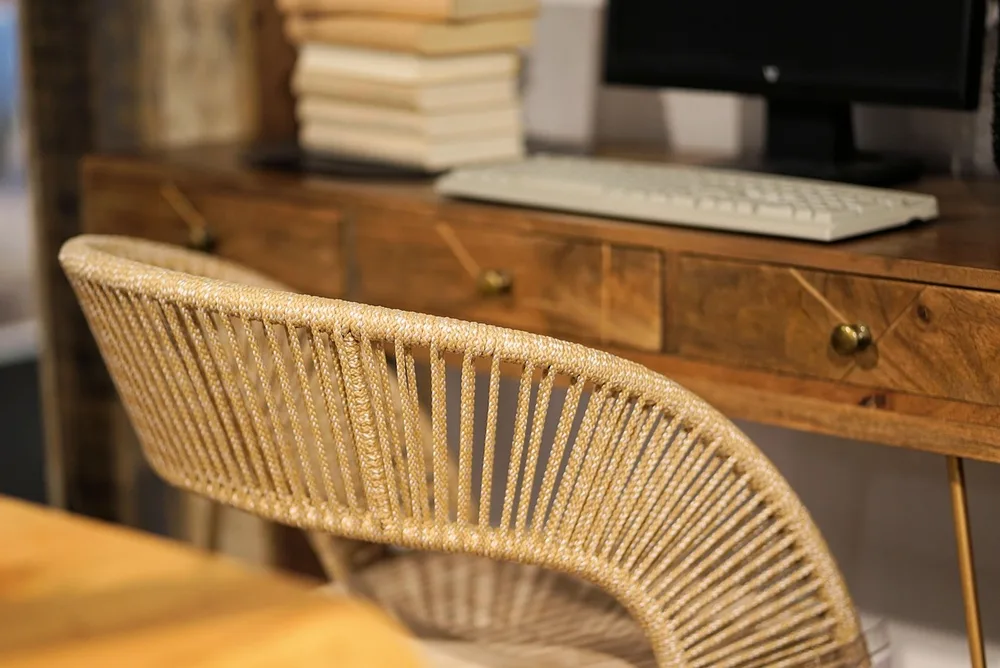
A desk with one or two shallow drawers removes the need for organizers on top. Pens, chargers, sticky notes and earbuds all fit in a drawer that is only a few inches deep, and they disappear the moment you close it.
If you already own a desk you like, an under-desk drawer that mounts with screws does the same job. Keep the drawer shallow so it never becomes a second junk pile, and give each category its own small tray.
3. Raise Your Screen Off the Desk
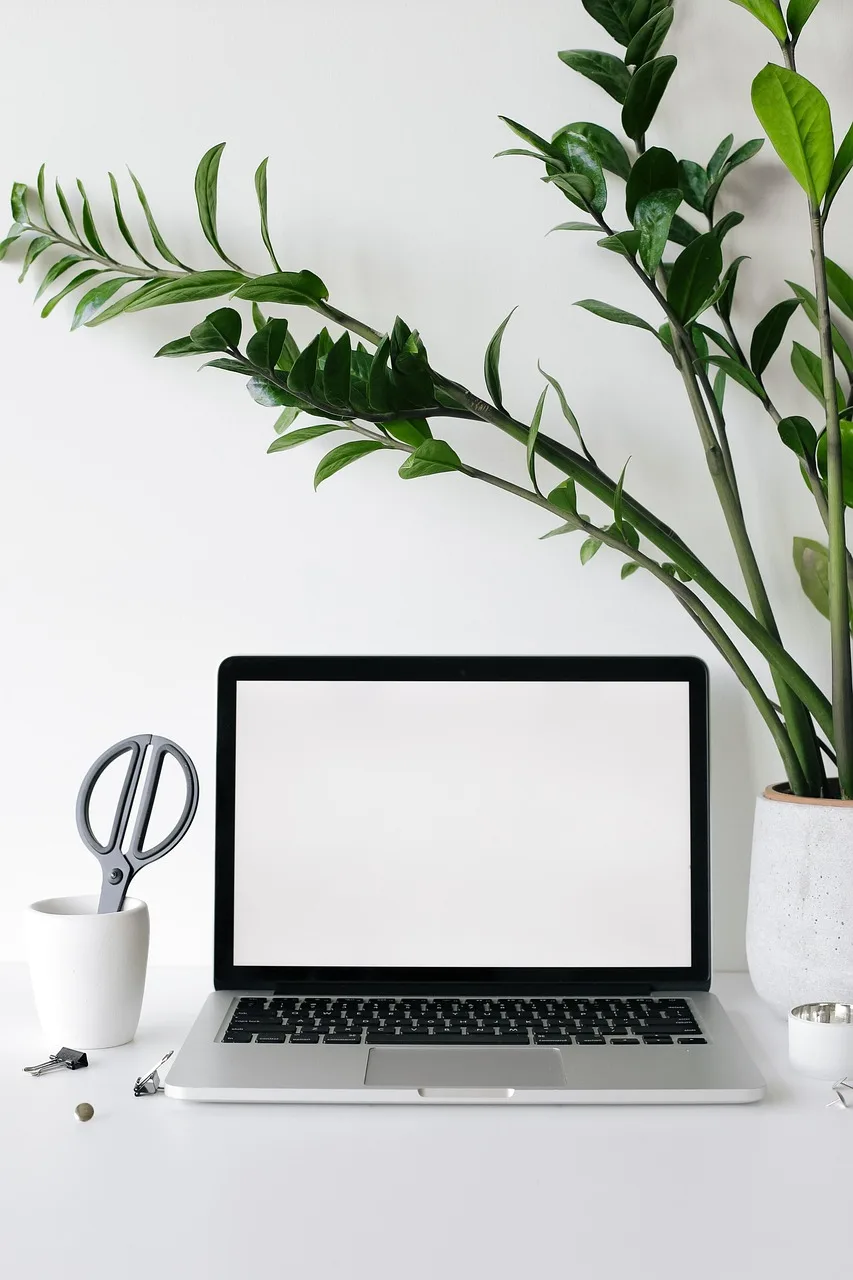
A monitor arm or a simple wooden riser frees the space under the screen, which is the most valuable part of the desk. The surface looks emptier, and you gain room to slide the keyboard away when you want to write by hand.
Set the top edge of the screen at or slightly below eye level. A raised screen also encourages better posture, so the minimalist choice and the comfortable choice end up being the same one.
4. Run Every Cable Under the Desk
Visible cables are the fastest way to make a tidy desk look messy. Mount a cable tray or a basket under the back edge of the desk and put the power strip inside it, so only one cable runs down to the wall outlet.
Use reusable hook-and-loop ties to bundle the cables that climb from the tray to each device. Leave a little slack at each connection, so you can move the screen or the lamp without pulling everything loose.
5. Go Wireless Where It Matters

A wireless keyboard and mouse remove the two cables that cross the middle of your work area. They also make it easy to push the keyboard back and use the full depth of the desk for reading or sketching.
Keep a single charging spot for them, ideally a small charging pad or one short cable tucked behind the screen. When everything charges in the same place, you never go hunting for a cable on a busy morning.
6. Pick a Neutral Color Palette
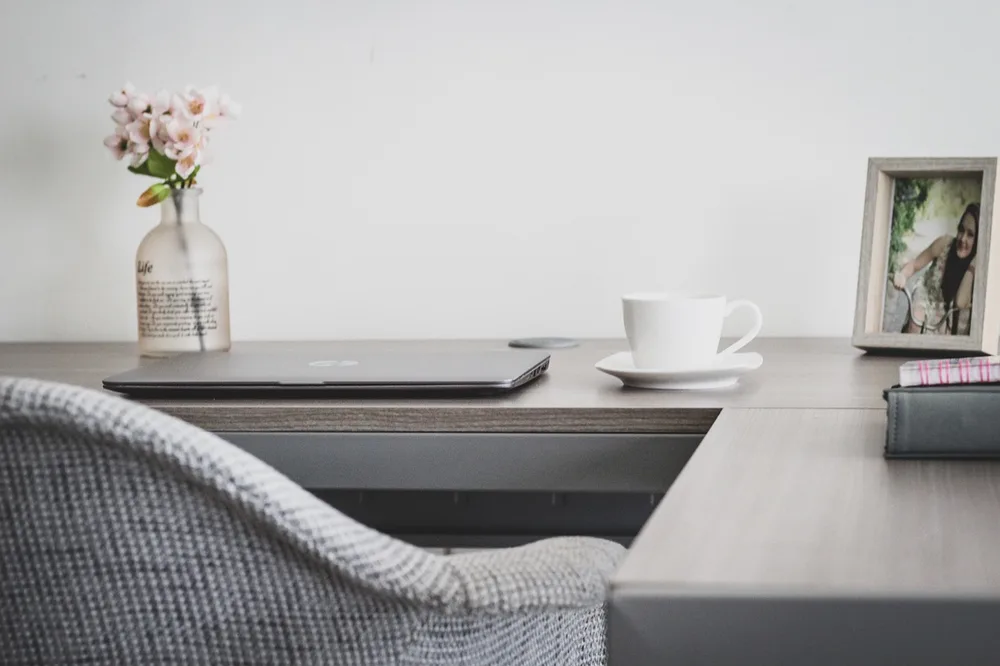
Two or three neutral tones make a workspace feel calm even when it is busy. Light wood with white, or black with warm gray, are easy combinations that hide small marks and do not compete with what is on the screen.
Match the small things to the palette as well: the desk mat, the lamp and the storage boxes. When every object shares the same few colors, the eye stops jumping around the desk and settles on the work.
7. Use One Good Lamp Instead of Several
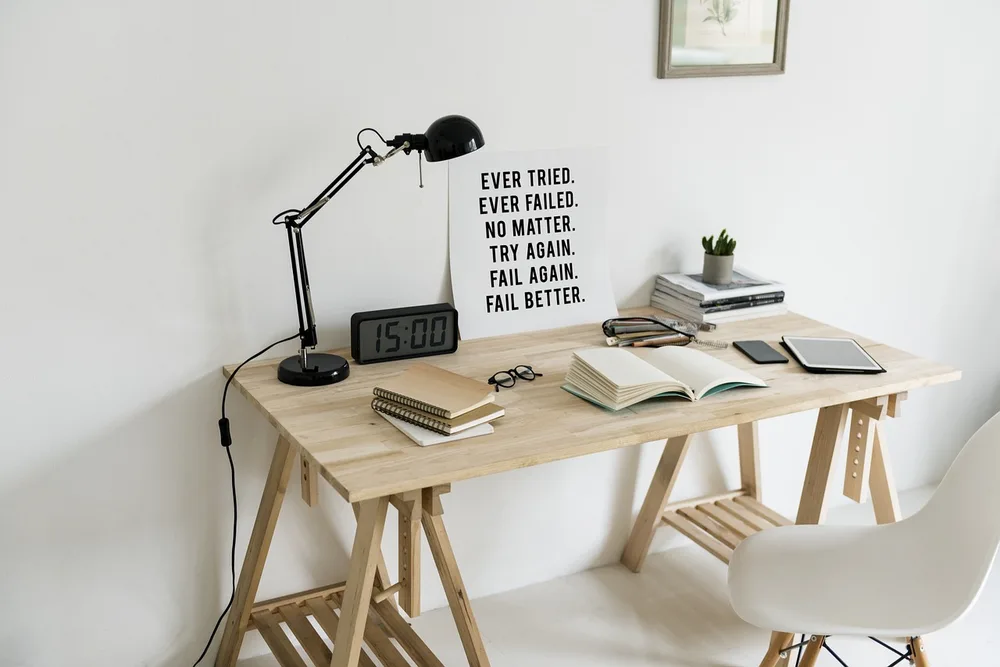
Layered lighting is lovely in a living room, but on a desk one well-placed lamp is usually enough. Choose a lamp with an adjustable arm and a warm, dimmable light, and position it on the side opposite your writing hand.
A lamp with a small footprint, or one that clamps to the edge of the desk, keeps the surface clear. In the evening, lowering the brightness signals the end of the workday and makes the space feel softer.
8. Add One Living Thing
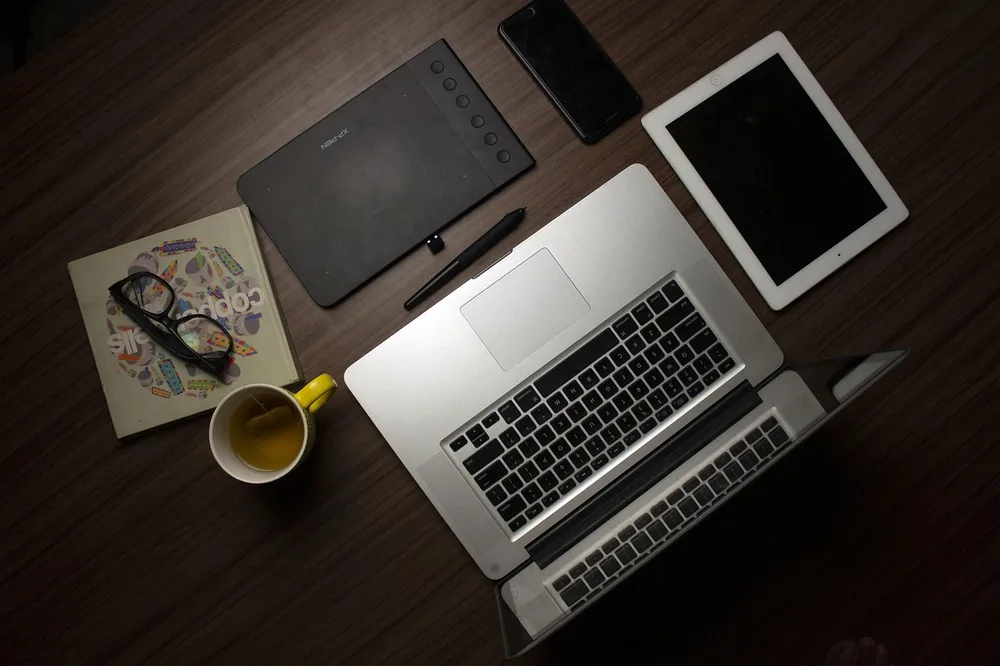
A single plant brings warmth to a sparse desk without adding clutter. Low-maintenance plants such as a small snake plant or a pothos tolerate indoor light and forget-to-water weeks better than most.
Keep it to one pot in a color that fits your palette. If floor space allows, a larger plant beside the desk gives the same effect while leaving the surface completely free for work.
9. Give Paper a Single Home

Loose paper spreads across a desk faster than anything else. Choose one place for it, such as a wall-mounted file holder or a single tray, and make it the only spot where paper is allowed to wait.
Once a week, empty that spot completely: scan what you need to keep, file what must stay physical and recycle the rest. A paper system with one entry point is easy to keep up because there is nothing to remember.
10. Reset the Desk at the End of Every Day
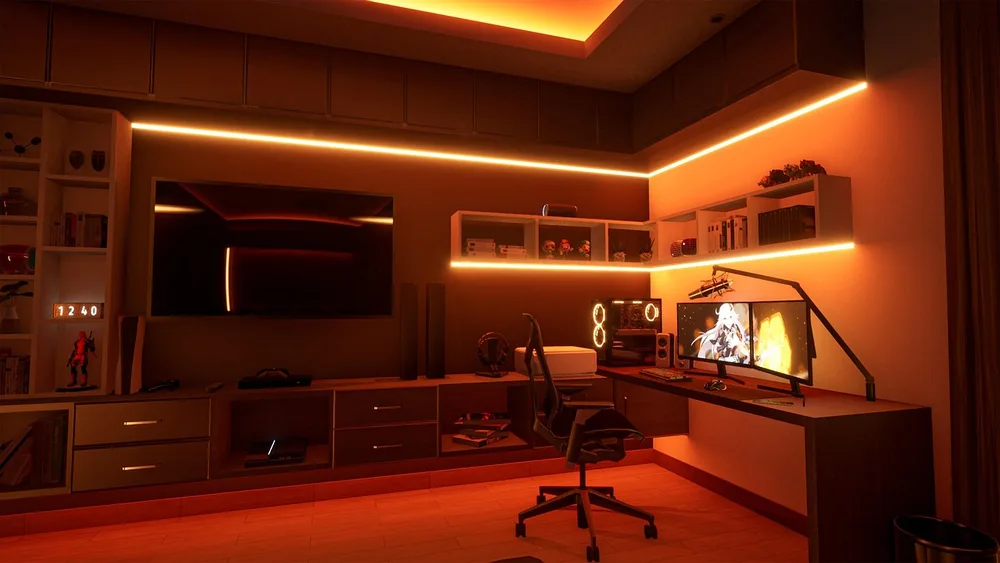
The final idea is a habit rather than an object. Before you stop working, spend two minutes returning everything to its home, closing the drawers and wiping the surface, so tomorrow starts with a clean desk instead of yesterday's leftovers.
Put a cue at the end of your routine, like turning off the lamp, so the reset happens automatically. Over a few weeks, the clean desk stops being a project and becomes the normal state of your workspace.
Final Thoughts
A minimalist desk setup grows from a few clear decisions: what lives on the surface, where cables and paper go, and when the desk gets reset. Start with the surface rule and the cable tray, since those two changes make the biggest visible difference.
Then add the rest one at a time, and keep only what earns its place.