10 Gaming Desk Setup Ideas for a Clean, Immersive Battlestation
A great gaming setup is not about owning the most gear. It is about a desk that gives your mouse room to move, screens at the right height, lighting that is easy on the eyes and no cables tangling around your feet.
These ideas go from the foundation, the desk and the screens, to the finishing touches that make the space feel like yours. Most of them work for any budget and any room size.
1. Choose a Desk Deep Enough for Your Setup
Depth matters more than width for gaming. A desk around thirty inches deep lets you push the monitor back to a comfortable viewing distance and still keep the keyboard and a wide mouse area in front of it, so your forearms rest on the surface instead of hanging off the edge during long sessions.
Measure your screen size and how far you like to sit before buying anything new. Larger screens need more distance, and low-sensitivity mouse players need more room to sweep. If your current desk is shallow, a monitor arm can win back several inches, which is often a smarter fix than replacing the whole desk.
2. Use a Full-Size Desk Mat
A desk mat that spans both the keyboard and the mouse area gives you a smooth, consistent surface for big mouse sweeps, so your aim does not change when the mouse crosses from wood to cloth. It also protects the desk from scratches, dampens the sound of the keyboard and instantly makes the setup look more intentional.
Pick a mat with stitched edges so it does not fray after a few months of wrist friction, and choose a color that ties the room together. A dark mat hides wear and spills, while a light one makes a small desk feel more open. Either way, it becomes the base layer everything else sits on.
3. Mount Your Monitors on Arms
Monitor arms free the space taken by bulky stands and let you set the exact height, distance and angle of each screen. For competitive games, having the main screen centered and level with your eyes keeps your neck neutral, which you will notice after a long evening of ranked matches or a full weekend campaign.
With two screens, place the main one straight ahead and angle the second toward you on the side you glance at least. Arms also make it easy to swing a screen aside when you need the desk for drawing, building or eating, then snap it back to the same position in a few seconds.
4. Add Bias Lighting Behind the Screen

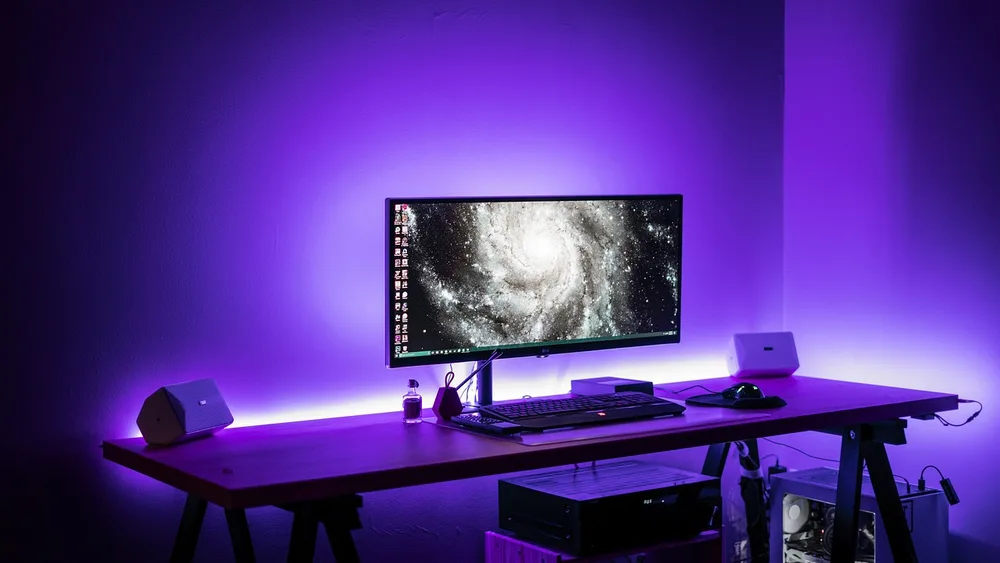
Playing in a dark room with only a bright screen forces your eyes to adjust constantly between the glowing display and the black wall around it. A soft light strip behind the monitor raises the ambient light around the screen, which reduces that contrast, makes dark scenes easier to read and keeps your eyes fresher late at night.
Keep the brightness low and pick a neutral or warm white for long sessions, because the goal is a gentle glow on the wall, not a light show. Save the colorful effects for when you want the room to feel like an arcade, and turn them down again when you need to focus on a match.
5. Hide the PC Cables Under the Desk
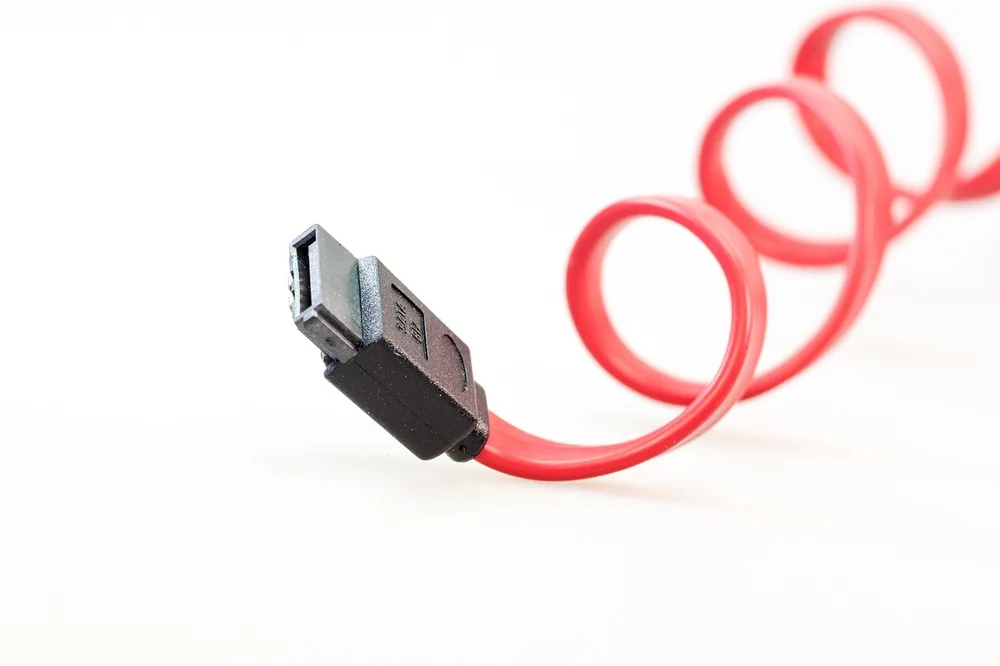
Gaming setups collect cables fast: power for the PC and screens, display cables, audio, controllers, chargers and lighting. Mount a cable tray under the back edge of the desk and put the power strip inside it, so everything plugs in out of sight and only one cable needs to travel down to the wall outlet.
Bundle the cables that run to the PC tower with reusable hook-and-loop ties and route them down a single table leg. A clean floor makes the room look bigger, keeps dust from building up around a tangle of wires and stops you from kicking a cable loose in the middle of an intense game.
6. Give the Headset Its Own Hook

A headset left on the desk takes up valuable space next to the mouse and gets knocked around every time you reach for something. A clamp-on hook under the desk edge or a small stand beside the monitor keeps it within easy reach while protecting the ear cushions and the cable from being crushed or twisted.
If you use a wired headset, route its cable along the same path as the other cables so it does not dangle across the desk. Put the hook on the side of your dominant hand, so grabbing it becomes as natural as reaching for the mouse and putting it back takes no thought at all.
7. Park Controllers on a Charging Stand
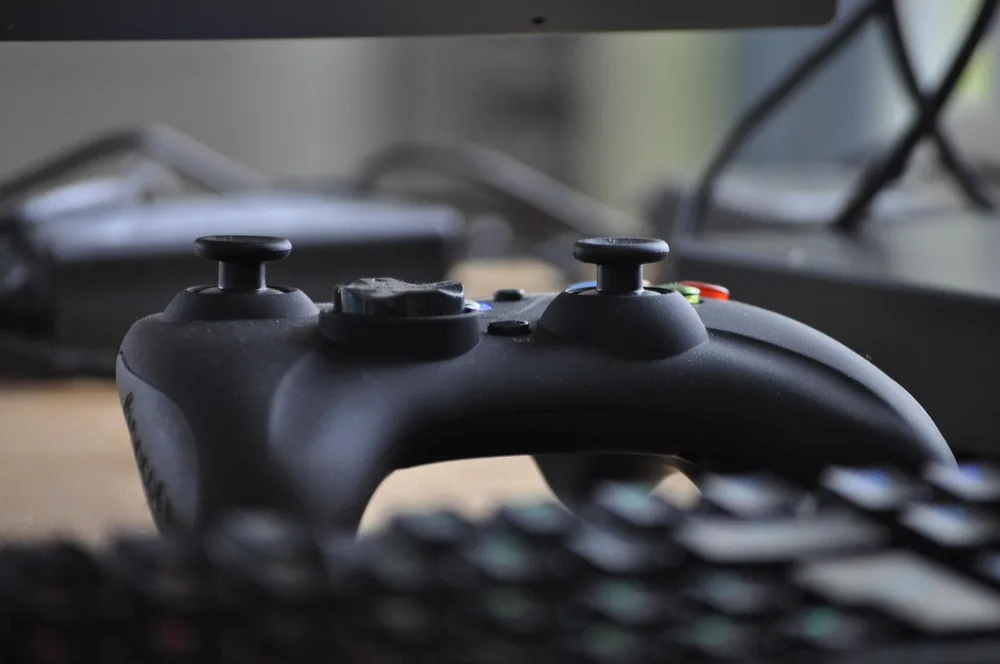
Controllers left on the couch or the desk always seem to have a dead battery right when you want to play. A charging stand gives them a fixed home, keeps the batteries topped up between sessions and turns a messy pile of gear into a tidy display that looks good on a shelf or desk corner.
Place the stand on a shelf or at the far corner of the desk, close to an outlet, so its cable stays short and out of the way. If you play on both a PC and a console, one stand for all your controllers keeps everything in a single spot and ends the search before every game night.
8. Add a Side Shelf for Drinks and Snacks
A spilled drink near the keyboard can end a session, and sometimes the keyboard itself. Give drinks and snacks a dedicated spot away from the electronics, such as a small side shelf, a clamp-on cup holder or a rolling cart parked next to the desk, so they stay within reach but never in the danger zone.
This habit also keeps the main surface clear for wide mouse movements. Once drinks have a home, you stop pushing cups around during intense moments, crumbs stay off the desk mat and the whole setup stays cleaner with much less wiping, which matters when you play for several hours at a time.
9. Match the Chair to the Desk Height
Your chair and desk work as a pair, so set them up together. With your feet flat on the floor and your back supported, your elbows should land at about desk height. That way your forearms rest naturally on the surface instead of reaching up to the keyboard, which tires the shoulders and wrists over long sessions.
If the desk is fixed and too high, raise the chair and add a footrest so your feet stay supported. If the desk is too low, desk risers can lift it a few inches. These small adjustments matter more for comfort during long gaming sessions than any visual upgrade, and most of them cost very little.
10. Pick a Color Theme for Peripherals
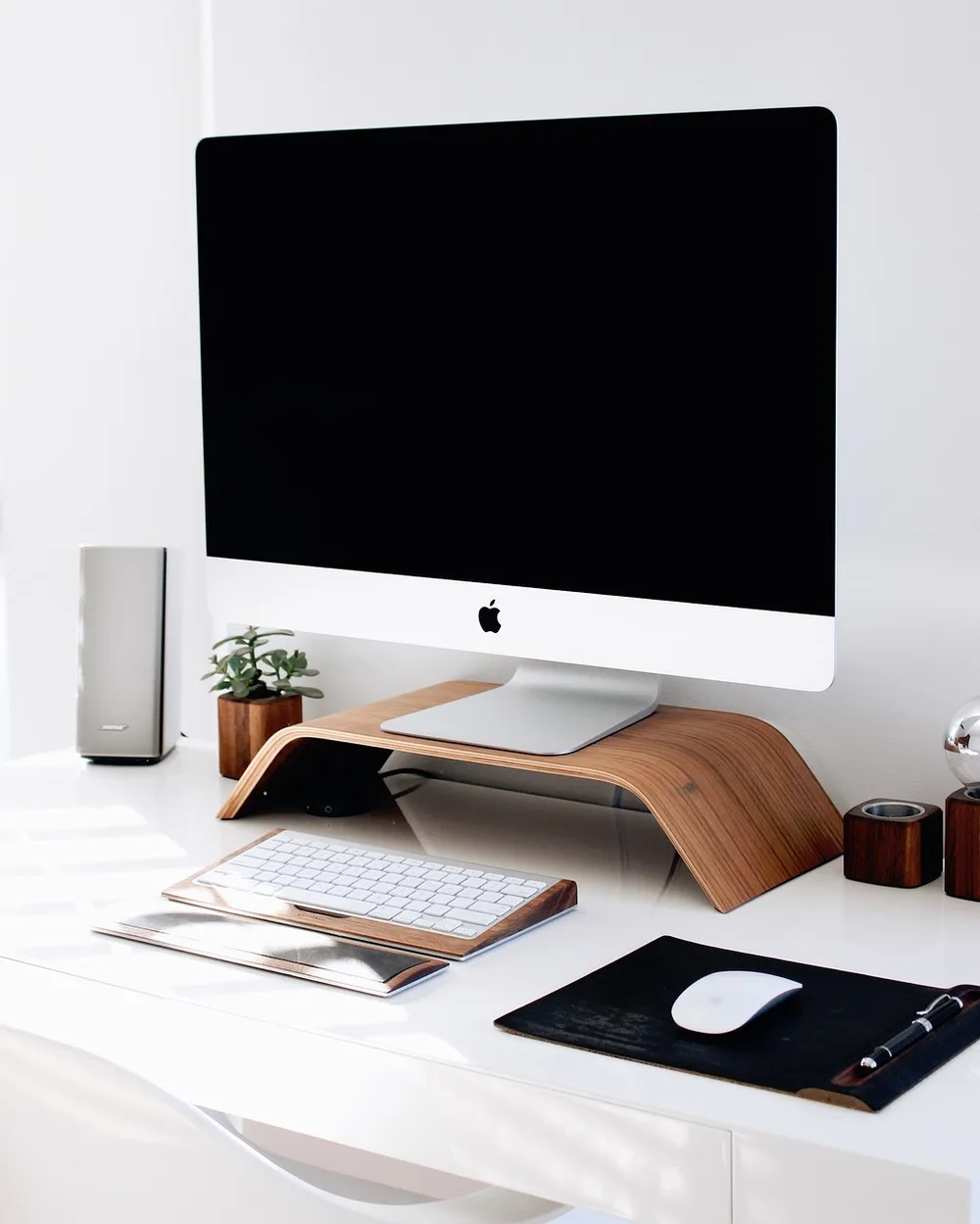
A setup looks finished when the pieces agree with each other. Choose two main colors, like black and white or white and natural wood, and let your keyboard, mouse, desk mat and headset follow that palette over time. Matching gear reads as a deliberate design choice instead of a random collection of parts.
You do not need to replace everything at once. Each time something wears out or breaks, buy the replacement in your theme. Within a few months the desk looks curated, it photographs well for setup posts and it feels calmer to sit at, because the eye is no longer jumping between clashing colors.
Final Thoughts
A clean gaming desk comes down to space, height and light: enough depth for the mouse, screens at eye level, soft bias lighting and cables out of sight. Start with the desk mat and cable tray, then add the details as you go.