10 Cable Management Hacks for a Clean, Tangle-Free Desk

Cables are the reason most desks never look finished. Even a beautiful setup turns messy when power cords, chargers and USB cables pile up behind the monitor and drop to the floor in a knot.
The good news is that cable management is mostly cheap and quick. These ten hacks go from the one-time setup under the desk to small daily habits, and together they make a messy desk look clean in an afternoon.
1. Start by Unplugging Everything
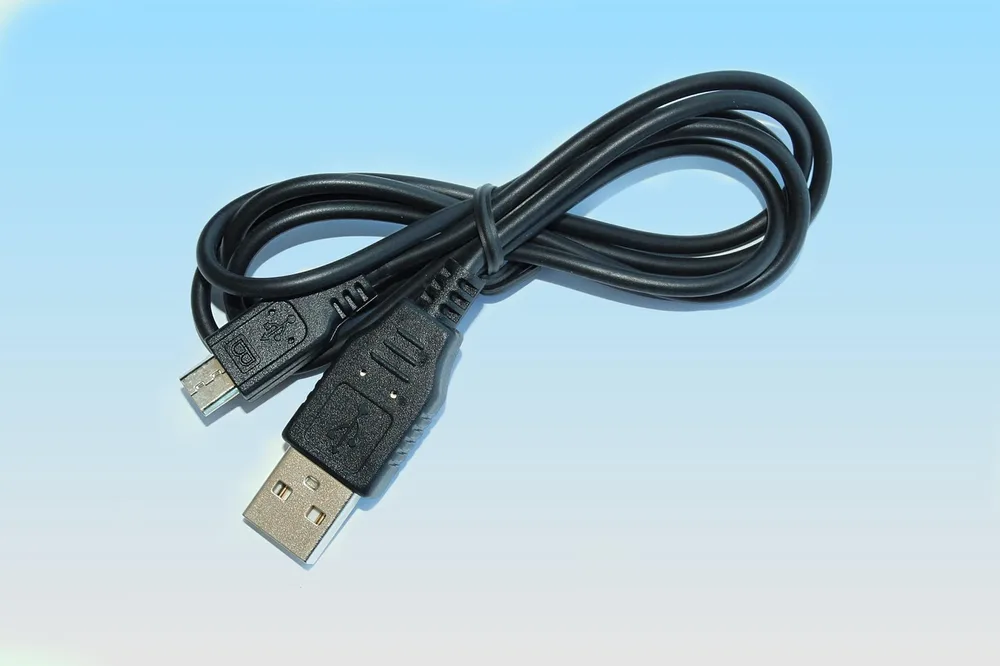
Before you buy a single organizer, unplug every cable from your desk and lay them out. You will almost always find chargers for devices you no longer own and cables that are much longer than needed.
Keep only what you use, and swap overly long cables for shorter ones. Fewer, shorter cables are the foundation of every clean setup, and the rest of the hacks become much easier.
2. Mount a Cable Tray Under the Desk

An under-desk cable tray is the single most effective upgrade. Screw a metal tray or a wire basket under the back edge of the desk and put your power strip inside it.
Now every device plugs in right below the desk, and only one cable runs to the wall. The extra length of each cord coils inside the tray, completely out of sight.
3. Use Velcro Ties Instead of Zip Ties
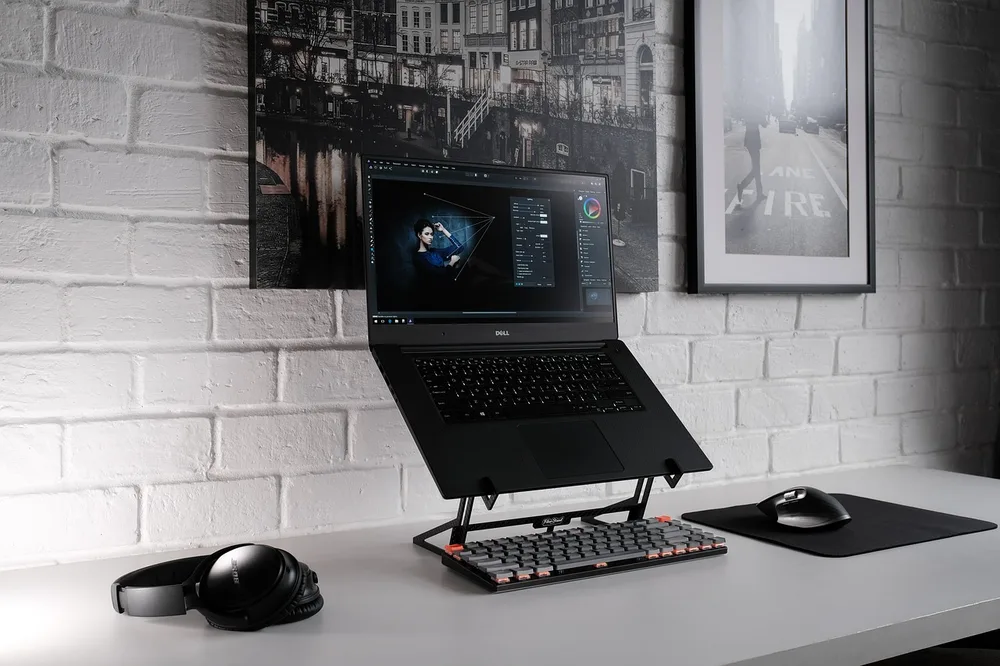
Zip ties look tidy until you need to change something and have to cut them all. Reusable hook-and-loop ties hold cables just as well and open in a second.
Bundle cables that travel the same path, like the monitor power and video cables, and tie them every 8 to 12 inches. Leave a little slack near each device so nothing pulls when you move it.
4. Run Cables Down the Desk Leg

The cable that goes from the desk to the wall is the one everyone sees. Run it down the back of a desk leg with adhesive clips or a cable spine, and it practically disappears.
Standing desks need a little extra slack for the full height range. A flexible cable spine moves with the desk and keeps the bundle neat at any height.
5. Hide the Bundle in a Fabric Sleeve
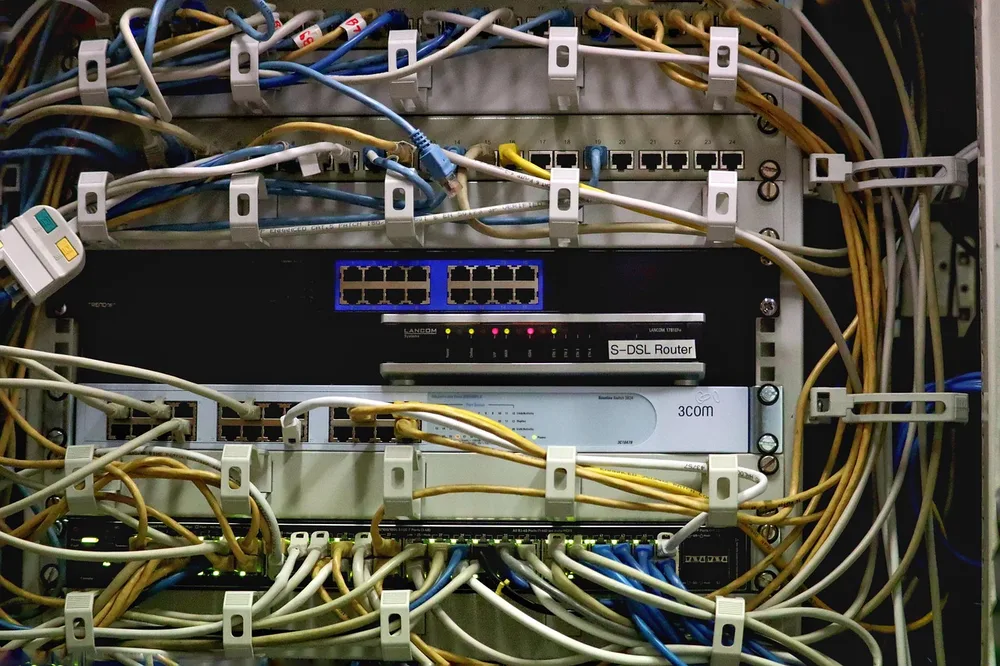
When several cables must cross open space, a braided or zippered sleeve turns them into one clean line. It is the fastest fix for the bundle that drops from the desk to the PC tower.
Pick a sleeve color that matches the wall or the desk legs. Black disappears against dark furniture, while white or gray blends with light walls.
6. Label Both Ends of Every Cable

Labels save you from unplugging the wrong cable at the worst moment. Small flag labels or colored clips on both ends of each cable make it obvious which plug belongs to which device.
This takes ten minutes and pays off every time you troubleshoot, move your desk or add new gear. A label maker is nice, but masking tape and a fine marker work fine.
7. Give Chargers a Dedicated Spot
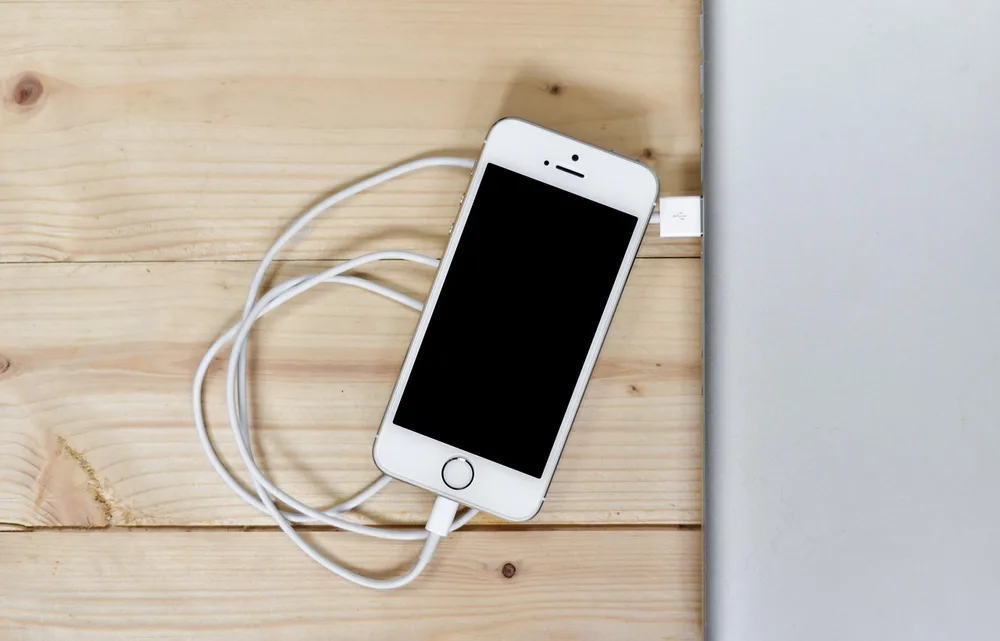
Phone and earbud chargers are the cables that wander across the desk. Give them one fixed place, like a small charging dock, a weighted cable holder or a desk grommet that keeps the tip on the surface.
When the end of the cable always sits in the same spot, you stop dragging it across the desk and it never falls behind the furniture again.
8. Go Wireless Where It Makes Sense

Every cable you remove is one you never have to manage. A wireless keyboard and mouse clear the front of the desk, and a wireless charging pad replaces a loose phone cable.
Keep wired connections where they matter, like the monitor and the computer's network link. The goal is a clean desk surface, not cutting every cable at any cost.
9. Use a Monitor With USB-C or a Dock

A single USB-C cable from the laptop to a monitor or a dock can carry power, video, audio and data. That one cable replaces four or five, and plugging in your laptop takes a second.
Put the dock under the desk or behind the monitor and connect the rest of your gear to it. Your laptop then arrives at the desk and connects with just one plug.
10. Reset Your Cables Every Few Months

Cable setups slowly drift back into chaos as you add gear. Put a reminder on your calendar every three months to check under the desk, remove unused cables and re-tie the bundles.
It takes about fifteen minutes when you do it regularly. Skip it for a year and you are back to a full afternoon of untangling.
Final Thoughts
Good cable management comes down to three moves: fewer and shorter cables, a tray under the desk that hides the power strip, and clean paths down to the floor. Do those first and the desk will already look transformed.
Labels, sleeves and wireless swaps finish the job, and a quick reset every few months keeps it that way.